Download: https://github.com/IsaMorphic/ChosenFewFX/releases/
( Info: https://yellowtealpurple.net/forums/resources/chosen-few-fx-ofx.76/ )

Installation steps:
1. Download zip and extract it
2. Drag "ChosenFewFX.ofx.bundle" folder to "C:\Program Files\Common Files\OFX\Plugins"
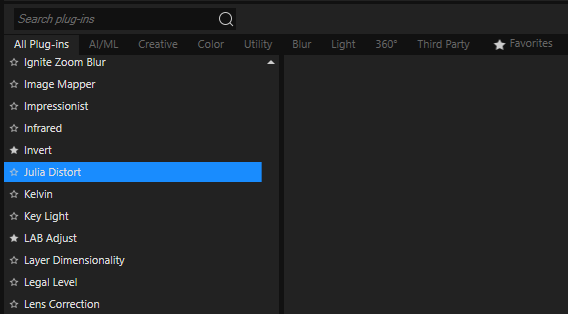
3. Start/restart Vegas and it should show up as VideoFX

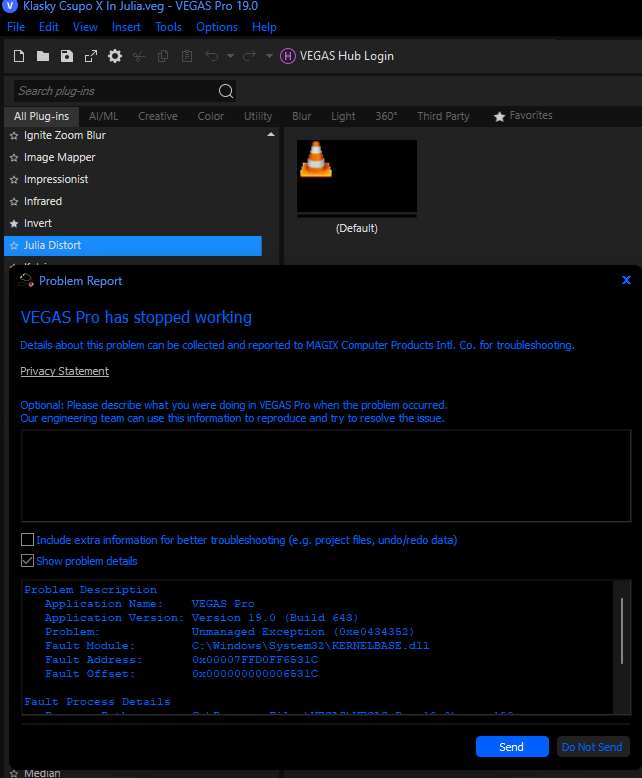
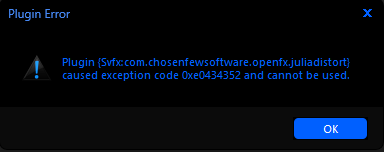
Warning: This plugin will crash from the "VideoFX" window and the effect
properties image will be gone right after that and you might also get an
error while picking it out of the "Plug-in Chooser - Video Event FX" window,
so I have chosen to provide .sfpreset files to the effectorial info pages
as that seems to be the most reliable way to use this plugin for now.